Kilo Code vs Cline: Workflows, costs, and control
Choose the execution environment first
Kilo Code is worth evaluating if you want specialized agents with per-tool permissions. Cline is worth evaluating if you prefer discussing changes in Plan, then switching to Act. Both now offer editor, terminal, and cloud workflows, so that distinction alone cannot decide the comparison.
We checked the linked official documentation on October 23, 2026. This is a documentation-based selection guide. We have not run either product on this task, audited network traffic, or measured comparative speed, success rate, or cost.
| Where work runs | Kilo Code | Cline |
|---|---|---|
| Editor workspace | VS Code and JetBrains clients | VS Code and JetBrains clients |
| Terminal | Interactive CLI and commands for automation | Interactive CLI and headless automation |
| Hosted environment | Cloud Agent with repository integration | Cloud Agents with GitHub integration |
Both Kilo's CLI and Cline's CLI support work outside an editor. A CLI runs where you launch it, which can be your laptop, a remote machine, or CI. Selecting a cloud model does not move your shell into a hosted sandbox.
Cloud behavior needs a separate evaluation. Kilo Cloud Agent documents always-on automatic approval and separate compute and inference charges, including compute charges with BYOK. Its page lists an MCP configuration tab but also says MCP support is forthcoming. We could not resolve that contradiction from the page. Do not assume your local MCP setup works there.
Cline Cloud Agents currently support GitHub tasks but do not load rules, skills, MCP servers, or connectors. This is a material limit if your task depends on those local instructions or integrations. Neither product's local feature list establishes cloud parity.
Compare the workflow and its effective permissions
Kilo's built-in agents include code, ask, plan, and debug. Ask blocks writes. Plan can write planning files under .kilo/plans/. Orchestrator is deprecated, so older comparisons built around that mode can mislead.
Cline's Plan and Act separates exploration from implementation. Plan can inspect code but cannot modify files or execute commands. Act carries the conversation forward and can implement the change. Separate models can be configured for the two modes.
Neither workflow name describes all approval behavior:
- Kilo permissions use
allow,ask, anddenyper tool. Most tools have permissive defaults, with documented exceptions. Reload a running client after changing project permission rules. - Cline Auto Approve controls categories such as edits and commands. YOLO approves all actions. Its safe-command classification comes from the model's
requires_approvalflag, not a fixed command allowlist.
Start an editor comparison with edits, commands, and MCP requiring approval. Inspect the installed client's effective settings. Cline's CLI documents a different global auto-approval default, so copying an editor setup into a script needs its own check. Approval clicks measure configuration as well as agent behavior.
Separate model access from the total task bill
Both have provider choice beyond their own billing service. Kilo's provider directory covers direct providers, gateways, and local runtimes. Cline's OpenAI-compatible configuration lets you set an endpoint, model identifier, and model capabilities. Match the endpoint and exact model, not just a name such as "Sonnet."
Kilo Gateway billing uses upstream inference rates without markup and charges a separate 5% fee when you buy credits. As a hypothetical example, buying $20 in credits costs $21 before tax and funds $20 of usage. Gateway BYOK still routes through Kilo. The provider bills inference under your agreement.
Cline offers usage billing through credits and a separate optional ClinePass subscription. A subscription, promotional free model, and direct API key are different payment paths. Check the selected model's current terms instead of assuming a subscription covers every model or unlimited work.
For either tool, total task cost includes inference, retries, any allocated subscription or team fee, and hosted compute where applicable. Record input, output, and cache usage separately. A model with a lower token price can cost more when it needs more attempts.
Both document local inference through Ollama, LM Studio, and Atomic Chat for Kilo and the same runtime options for Cline. Hardware, context capacity, and reliable tool use still matter. Kilo also has auxiliary model settings, including a small-model fallback to its authenticated gateway. Set auxiliary routes explicitly before treating a configuration as local-only.
Rules and context need a migration plan
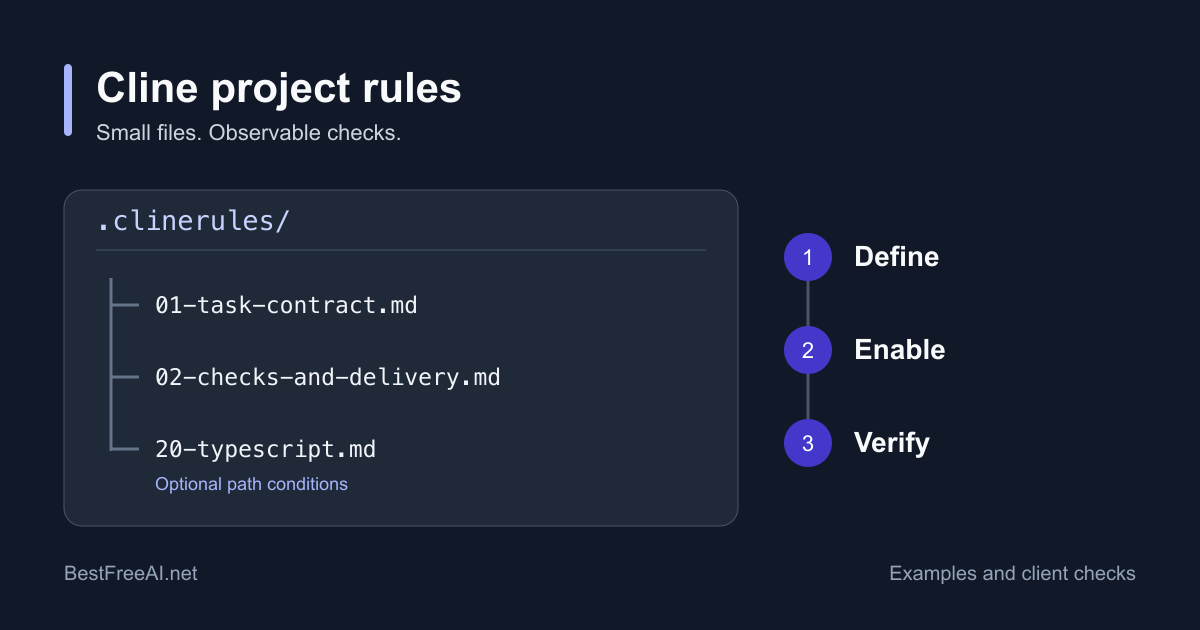
Kilo custom rules use the instructions array in kilo.jsonc to reference files or globs. Legacy .kilocode/rules/ remains supported. Cline rules support .clinerules/, .cline/rules/, and AGENTS.md, with workspace and global instructions. Renaming a directory does not prove the same rules loaded.
For configuration examples and a loading check, see the Cline rules guide.
For context, Kilo mentions can include files, terminal output, and Git changes. Cline context includes file and folder mentions. Give both the same relevant files for a comparison. Attaching an entire repository to one and selected files to the other changes token use and the information available.
Both document MCP for Kilo and MCP for Cline. Verify the server's transport, authentication, tools, and approval settings in your chosen client. An MCP connection can send data outside the model provider. A local model does not make remote tools local.
Rules tell the model what you want. Permissions restrict tools. Keep confidential files out of the test repository rather than treating a written instruction as an access boundary.
Checkpoints recover files, not external side effects
Kilo snapshots support reverting at a user message, rather than partway through an agent response. If snapshots are disabled or unavailable, reverting can rewind only the conversation while leaving files changed. Check the warning and the actual diff.
Cline checkpoints offer separate restoration of files, task history, or both. A file-only restore can preserve the discussion while you try another implementation. Large repositories can increase checkpoint storage and work.
Both document snapshot storage separate from the project's Git history. Keep a normal baseline commit anyway. Neither a restored file nor a rewound conversation reverses an email, database write, deployment, or API charge. That limit follows from the external action, regardless of the rollback interface. Test recovery with disposable local files before allowing a task to affect another service.
Collaboration has several meanings
Kilo sessions include optional links that others can read or fork. Its Teams and Enterprise plans add organization controls and centralized billing, purchased separately from model credits.
Cline Kanban runs parallel tasks in isolated Git worktrees and is a research preview. Cline Enterprise documents governance and observability. A shared transcript, parallel agent tasks, and organization policy solve different problems. Evaluate the one your team actually needs.
Match the decision to a real task
These are selection judgments based on the documented boundaries, not benchmark winners:
- For an unfamiliar module, try Cline Plan if you want an explicit no-command exploration stage. Try Kilo ask if read-only shell inspection is useful.
- For role-specific implementation, evaluate Kilo's agent permissions and instruction loading. For staged discussion and implementation, evaluate Cline Plan to Act.
- For an existing API contract or local runtime, either is a candidate. Compare the exact request route, auxiliary models, tool compatibility, and final bill.
- For unattended cloud work, verify the cloud setup independently. A task that needs local rules or MCP can fail its requirements before code quality becomes relevant.
Run a reproducible small-task comparison
The following is an experiment for you to execute. We have not run it. It isolates one bug so you can inspect the patch and approval burden before using either tool on a larger repository.
Create ports.py in a disposable Git repository:
def parse_port(value):
    if not value:
        return 8080
    if not value.isascii() or not value.isdecimal():
        raise ValueError("invalid port")
    port = int(value)
    if not 1 <= port <= 65535:
        raise ValueError("invalid port")
    return port
Create tests/test_ports.py:
import unittest
from ports import parse_port


class PortTests(unittest.TestCase):
    def test_valid(self):
        for value, expected in [(None, 8080), ("80", 80), ("65535", 65535)]:
            with self.subTest(value=value):
                self.assertEqual(parse_port(value), expected)

    def test_invalid(self):
        for value in ["", "0", "65536", "abc", "-1"]:
            with self.subTest(value=value):
                with self.assertRaises(ValueError):
                    parse_port(value)
The intended baseline failure is the empty-string case. The input contract is None or an ASCII decimal string. Use this identical prompt in each fresh session:
Fix parse_port so only None selects the default. Preserve valid ports 1 through 65535, and reject the invalid inputs covered by the tests. Keep the public signature and dependencies unchanged. Run python3 -m unittest discover -s tests -v and explain the patch. Do not commit, push, or use external services.
- Run the tests yourself and commit the fixture. Make two clean copies of that same commit. Record Python, client, and operating-system versions.
- Match the exact provider, model, reasoning setting where available, and context. Disable automatic model switching and MCP. Record unavoidable configuration differences.
- Match approval rules and use a fresh conversation. Set the same spending and elapsed-time ceilings in advance. For example, $2 inference and 10 minutes are hypothetical limits, not predicted task costs or completion times. Stop manually if the client cannot enforce them.
- Run the tests independently after each attempt. Accept only a passing suite, correct contract, unchanged dependencies, and no unrelated edits. Reject a patch that removes assertions to pass. Save the prompt, diff, test output, and billing evidence.
- Test a disposable-file restore separately. Then repeat with a task from your own repository and reverse the run order. A single small bug cannot establish general coding quality.
Use the same record for both tools:
| Record | What to capture |
|---|---|
| Configuration | Commit, versions, provider, exact model, context, permissions |
| Acceptance | Test output, contract review, unrelated changes |
| Review work | Approval requests, corrective prompts, manual edits, review minutes |
| Usage and cost | Tokens, cache usage, retries, final provider charge, fees, compute |
| Stop and recovery | Ceiling reached, reason for failure, restore result, remaining side effects |
Check these items before switching tools
- Inventory project rules, global rules, model endpoints, auxiliary models, and environment variables. Recreate credentials through the destination's supported setup.
- Confirm which instructions loaded. Ask for the test command and edit constraints, then inspect the first actual action for compliance.
- Rebuild MCP connections and approval settings. Verify a read-only call before enabling writes.
- Commit a clean baseline and try file restoration. Do not assume conversation history or checkpoints transfer between products.
- Complete one representative task within your budget. Keep the prompt, patch, and bill so the decision rests on accepted work.
The Kilo Code overview and Cline overview link to the products. The official sources beside each comparison were checked on October 23, 2026. Recheck version-specific and cloud behavior before relying on it.