Hermes Agent setup: verify memory, skills and scheduled tasks
Build one working path
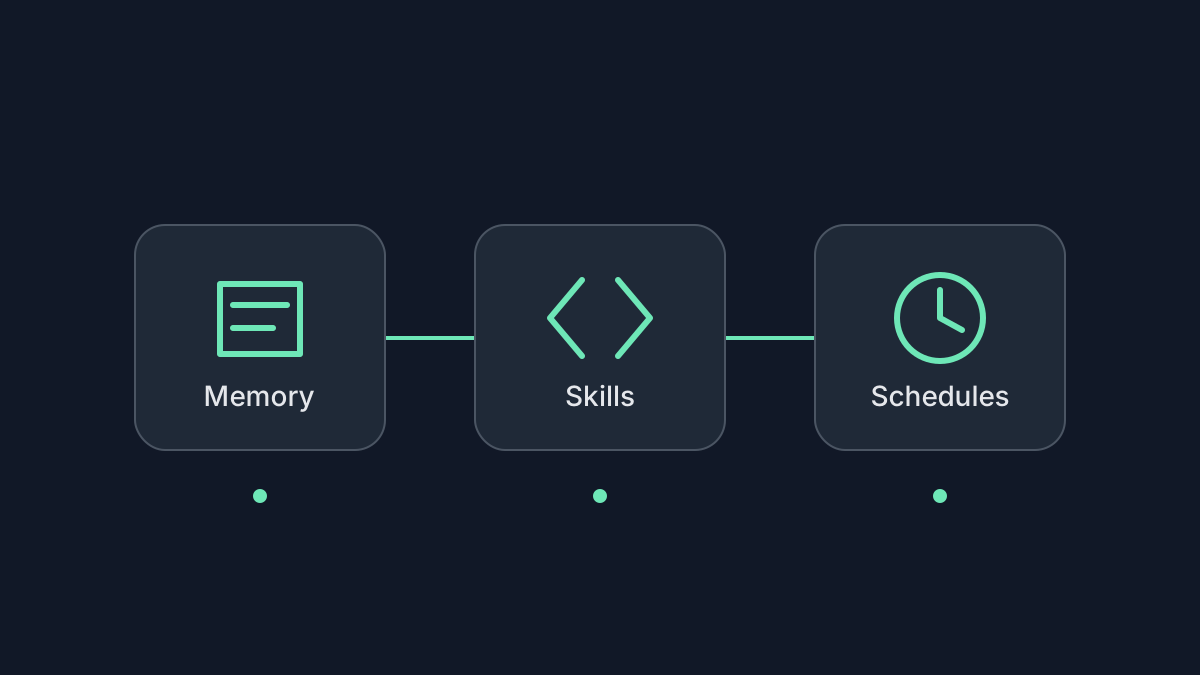
Start with a working chat, then verify memory, then package a small task as a skill. Add a gateway and schedule only after the interactive result is correct. This guide follows the official quickstart, memory, skills and scheduled-task documentation reviewed October 23, 2026.
We did not install Hermes or call a live model. The commands and acceptance procedure below are documentation-based examples, not a completed deployment report. For other operating models, see the personal agent comparison.
1. Install and connect one model
Choose the desktop or CLI installation path in the quickstart, then configure a provider:
hermes setup
hermes model
hermes chat
Check that a plain conversation succeeds before enabling tools or fallback providers. For a custom endpoint, confirm URL, model name, tool support and context capacity; the current quickstart requires at least 64,000 tokens. A low-cost local model that cannot call the memory tool will not pass the memory test.
Record the profile and state directory used by this installation. Named profiles have their own memory and settings. Do not run two agents against the same Hermes home. A local terminal and a service can read different profiles even when both run on one machine.
2. Prove a preference was saved
Tell Hermes: "Use the memory tool to save my preference for summaries with at most three action items." Inspect the active profile's memories/USER.md; the default profile uses ~/.hermes/memories/USER.md. Do not share that file if it contains personal information.
The file must contain the preference. A chat response saying "saved" is insufficient. If memory-write approval is configured, review pending writes before expecting persistence. Open a new CLI session, or use /new in a messaging conversation, then ask for a summary and check the preference again.
Hermes loads bounded MEMORY.md and USER.md snapshots at session start. Restarting the gateway does not necessarily create a new messaging session. If the test fails, check profile, actual file write, pending approvals and session boundary before changing models or reinstalling.
3. Create a small, reviewable skill
Use the default profile for this example; for another profile, use its skills directory. Create the trial folders:
mkdir -p ~/hermes-trial/input ~/hermes-trial/output ~/.hermes/skills/trial-digest
Save this authored fixture as ~/hermes-trial/input/notes.md:
# River notes
2026-10-21: Draft due 2026-10-28.
2026-10-22: Draft moved to 2026-10-30; review date unconfirmed.
Save the following as ~/.hermes/skills/trial-digest/SKILL.md. Skills are instructions loaded into the agent, not executable permission boundaries:
---
name: trial-digest
description: Summarize trial notes with source references
---
Read only input/notes.md in the selected trial workspace.
Write output/digest.md with at most three action items.
For each item, cite the dated note that supports it.
Use the latest dated change. Mark missing dates as unknown.
Do not contact anyone, browse, or modify the input file.
Run cd ~/hermes-trial and hermes chat, then invoke /trial-digest in that new chat. Check that output/digest.md has at most three items, cites the dated notes, uses October 30 and leaves the review date unknown. The input file must be unchanged. Inspect writes and model usage rather than trusting a completion message.
4. Test a paused schedule
The cron documentation requires the gateway to be running for agent tasks. Configure it only after the model and skill work. This example creates a paused job, so it does not begin recurring work immediately:
For macOS or Linux service setup, the example uses hermes gateway install before starting. A sleeping laptop cannot run local jobs. On a Linux server, check whether the user service survives logout; containers need their own foreground-process and restart configuration. Follow the linked platform instructions for those differences.
hermes gateway setup
hermes gateway install
hermes gateway start
hermes cron create "every 1d at 09:00" \
  "Read input/notes.md and write a sourced digest to output/digest.md. Do not contact anyone." \
  --skill trial-digest \
  --workdir "$HOME/hermes-trial" \
  --name trial-digest-job \
  --paused
hermes cron list
The --workdir value must be an existing absolute directory. Verify the selected profile, schedule, time zone, model, loaded skill and destination in the job details. A paused job can be run manually as an operator override:
hermes cron run trial-digest-job
hermes cron list
hermes cron pause trial-digest-job
Read the run's status and local output. Manual dispatch alone does not prove successful completion. If you later enable recurrence, use hermes cron resume trial-digest-job after review, observe the first scheduled run, then pause or remove it when the trial ends. For chat delivery, configure and test that platform separately; an output file is not proof that a message arrived.
5. Keep the host and budget observable
Use the official gateway service documentation for your chosen host rather than copying an unrelated service unit. Confirm that the service uses the same profile, credentials and workspace as the successful chat. Keep its state on persistent storage and back it up privately. Check a scheduled run after an intentional restart; do not assume every missed or interrupted run will be replayed.
Budget model inference, search/browser services and hosting separately from the MIT software license. Inspect the actual provider usage page after the first few runs. Check which model an unpinned job follows when you change the chat model. Start with one daily task and copied inputs; broaden only after output, delivery and spending are understandable.