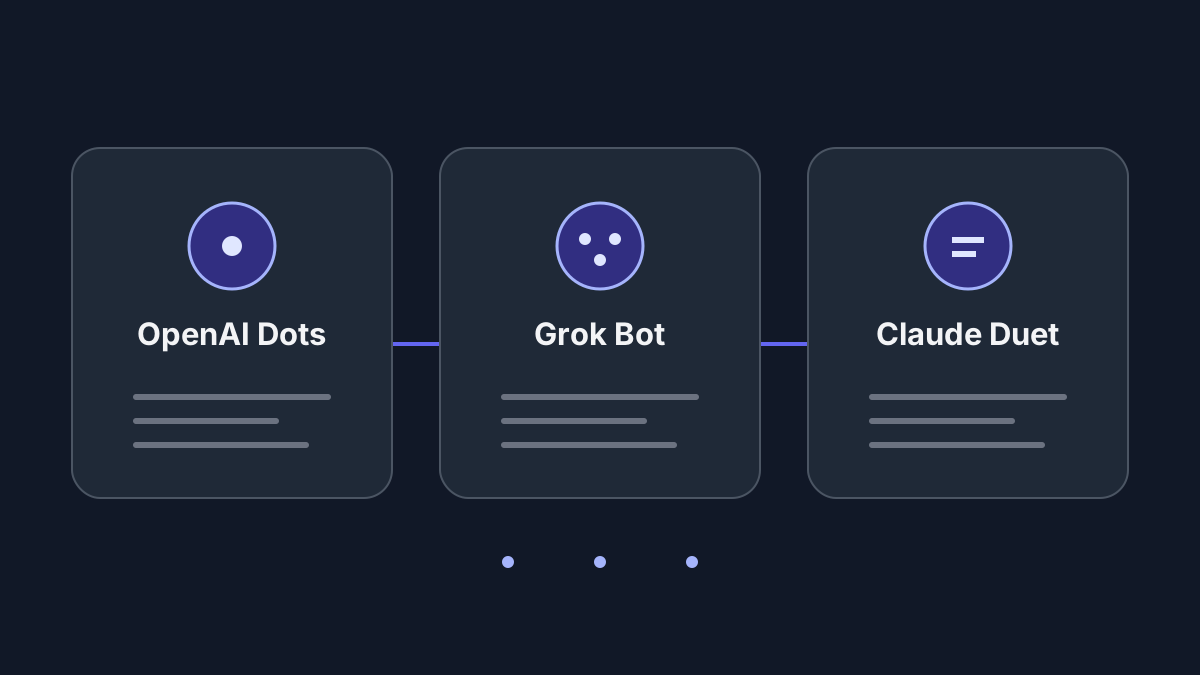
OpenAI Dots vs Grok Bot vs Claude Duet: access, memory and costs
Which one should you evaluate first?
If your work already lives in ChatGPT, start by checking Dots eligibility. If you want several named agents to coordinate, examine Grok Bot. If you use Claude and want briefs and follow-up across connected apps, consider Duet once invited. These are starting points based on documented workflows, not measured quality rankings.
All three offer hosted agents that can continue cloud work after you close your device. This is a comparison of their agent products, rather than a general GPT-versus-Grok-versus-Claude model test. We reviewed official sources on October 23, 2026; we have not run an equivalent task in all three, and do not have evidence to rank their popularity.
The differences that affect daily use
Scroll horizontally on small screens to read the full table.
| Question | OpenAI Dots | Grok Bot | Claude Duet |
|---|---|---|---|
| How is work organized? | One primary dot today; teams of dots are a future direction | Multiple named Bots can coordinate and hand off work | An ongoing assistant with topic channels |
| What context carries over? | Starts with ChatGPT memory | Context per Bot; files and browser logins shared across your Bots | Claude memory, skills and connected apps; channels share memory |
| Can you inspect the cloud browser? | Yes, with takeover | Yes, with takeover | Not during the current preview |
| How does ongoing work start? | Background research and scheduled tasks | Skills and scheduled routines | Morning brief and periodic account checks |
| How are actions reviewed? | Custom rules and built-in safeguards | With Auto Review enabled: Ask first / Allow automatically rules | Designed to request approval before messages, payments, signing or deletion |
Sources for the operating models: Dots announcement, Grok Bot overview, and Duet product overview. Browser control and approvals are documented in Dots setup, Grok computer access, Grok approvals, and Duet limitations.
Grok's multiple Bots share one account-level computer, including browser sessions. Separate Bot context does not create separate account permissions. For Dots, individual dot memories currently cannot be directly inspected, edited or deleted; deleting the dot clears its own context, while separately stored files and ChatGPT memories have separate controls. See the Dots privacy FAQ.
Access and costs: check your account before subscribing
OpenAI Dots
The rollout covers Pro users aged 18+ outside the EEA, Switzerland and UK; Business Premium depends on supported regions and workspace eligibility. Enterprise access requires an admin-enabled beta. The first dot is included with eligible Pro/Business Premium plans, with an allowance for deeper work. This does not mean unlimited execution. Check your account's rollout and allowance in the current access guide.
Grok Bot
The X Subscription includes Bot on Premium, Super and Ultra, excluding Plus and Free. It shares the weekly pool with Cursor and Grok apps; extra use draws on prepaid credit. Legacy paid Cursor plans and eligible linked Grok accounts follow different grant and on-demand rules. Do not combine those billing models into a single price or assume linked allowances add together. The billing matrix is more specific than the overview's shorthand about paid Cursor plans.
Claude Duet
The research preview requires a US Pro/Max account and a waitlist invitation; Team/Enterprise are not yet included. It adds no separate preview fee, but shares Claude's five-hour and weekly limits, including background checks. Paying for Claude does not guarantee immediate Duet access. See preview access and usage.
For all three, record the actual subscription, remaining allowance and additional-usage setting. An included agent is not a fixed cost per completed task. Duet's launch explanation describes periodic checks rather than continuous monitoring; Grok's routine guide distinguishes a reusable skill from the schedule that runs it.
Compare them with the same small task
Use copied notes you own: an initial deadline of October 28, a later correction to October 30, and an unconfirmed meeting date. Then follow four steps:
- Ask for three action items with source links. Require the corrected deadline and an explicit unknown for the meeting. Request drafts only.
- Save a harmless preference, such as three-point summaries. Open a fresh conversation and test the preference separately from note retrieval.
- Request a draft message and inspect the proposed recipient and content. Check the configured approval boundary without sending it.
- If the interactive task passes, try one scheduled run. Record delivery, source accuracy, manual corrections, elapsed time and the change in account usage; then pause it.
This is our proposed evaluation protocol, not a report of completed tests. Choose on the evidence from your task: correct sources, useful output, understandable approvals and sustainable usage. More Bots or more connectors alone do not establish better results.
For self-hosted and Mac alternatives, see the broader personal-agent guide.
Product listings: OpenAI Dots, Grok Bot, Claude Duet.